Introduction of GitLab
GitLab is a web-based DevOps lifecycle tool that provides a Git repository manager, issue tracking, continuous integration/continuous deployment (CI/CD) pipelines, and more. It is similar to GitHub but focuses heavily on providing an all-in-one platform for software development and DevOps.
Key Features of GitLab:
- GitLab is not only a Git-based repository management tool but also provides built-in CI/CD pipelines.
- Unlike GitHub, GitLab can be self-hosted as well as used on the cloud (GitLab.com).
- GitLab offers Premium Plans with advanced CI/CD, security, compliance, and scalability features.
How to start with GitLab?
When developers create new projects or collaborate on existing ones, they need a place to host, version, and automate their workflows. GitLab provides this with the additional advantage of integrated DevOps tools such as issue boards, pipelines, and monitoring.
Other alternatives include GitHub, Bitbucket, and Azure Repos. GitLab is often preferred in organizations where self-hosting and end-to-end DevOps automation are critical.
In the picture below, you can see multiple developers working on the same project. For example, Developer 1 handles the backend APIs, Developer 2 builds the frontend interface, and Developer 3 manages CI/CD pipeline setup.
Each developer works on their local copy of the repository and pushes their changes to the remote GitLab repository. After a merge request (MR) review, the maintainer merges the changes into the main branch. GitLab can then automatically trigger a pipeline to build, test, and deploy the new version of the project.
Why Learn GitLab?
GitLab is more than just version control—it provides a complete DevOps platform.
Here’s why you should learn it:
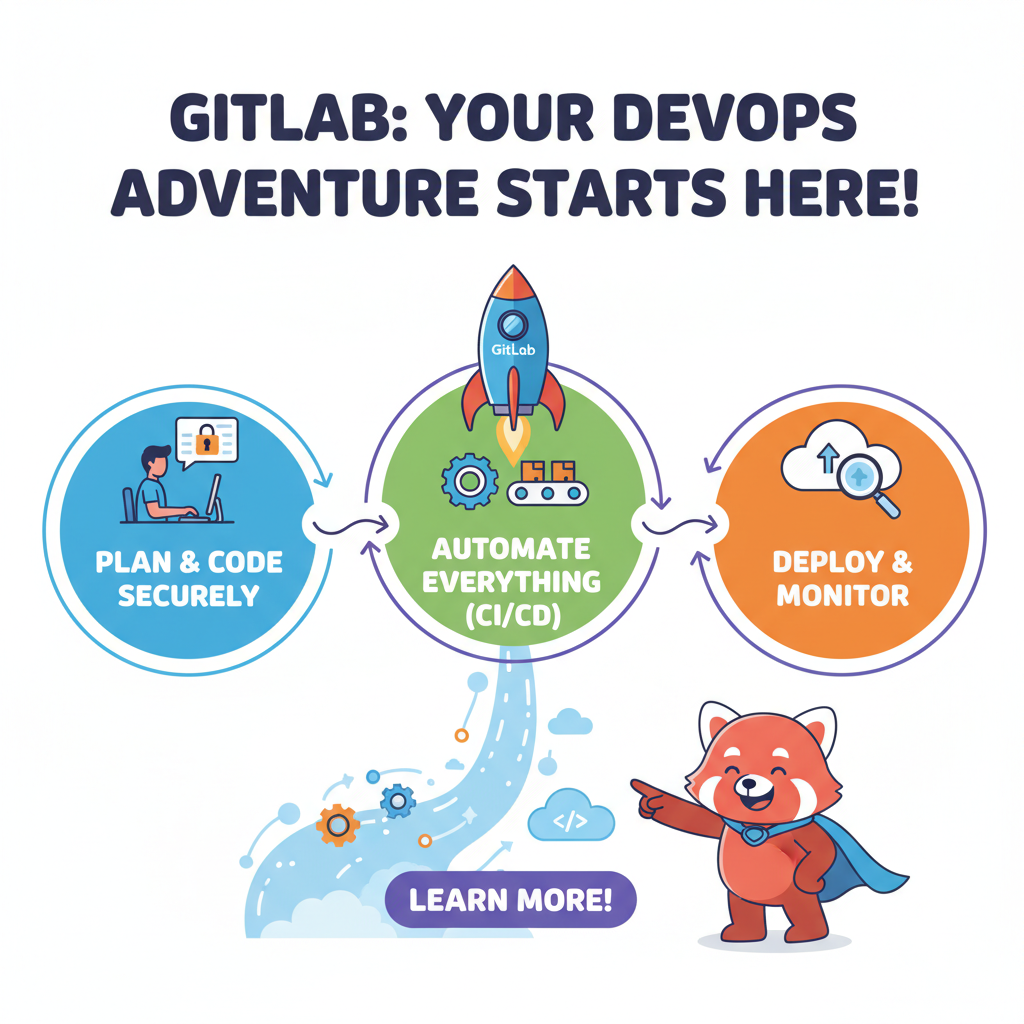
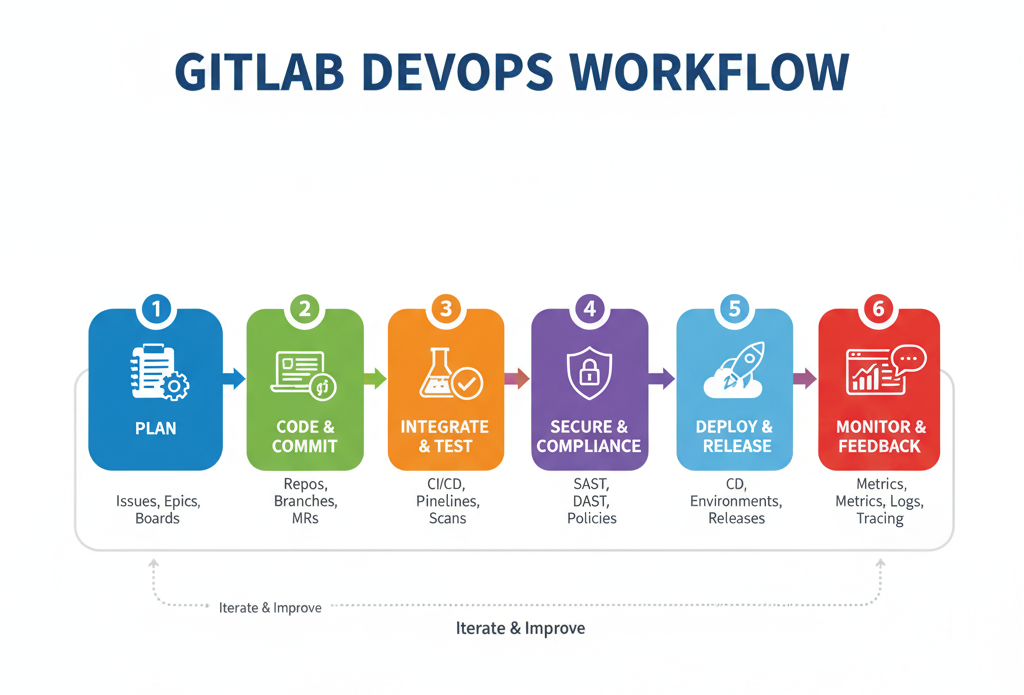
- Integrated DevOps – GitLab includes planning, coding, testing, security, deployment, and monitoring in one place.
- Self-hosting option – Unlike GitHub, GitLab allows organizations to run GitLab on their own servers.
- Automation with CI/CD – GitLab’s pipelines make testing and deployment faster and less error-prone.
- Collaboration – Teams can manage issues, boards, milestones, and code reviews easily.
- Industry demand – Many companies prefer GitLab for its security compliance and DevOps workflows.
How to Learn GitLab?
To get started with GitLab, here are the recommended steps and prerequisites:
🔑 Prerequisites:
- Basic Git Knowledge: Understand commands like
git clone,git add,git commit,git push. - Programming Knowledge: Any language is fine (Python, JavaScript, Java, etc.).
- Command Line Basics: Comfortable using a terminal (Linux, macOS, or Windows PowerShell).
- Optional (for CI/CD): Docker basics, YAML syntax (for writing pipeline configs).
📝 Learning Path:
- Create an account on GitLab.com.
- Install Git on your system to interact with GitLab repositories.
- Start a new project or fork an existing repository.
- Explore GitLab features: issues, merge requests, labels, and boards.
- Learn GitLab CI/CD by creating
.gitlab-ci.ymlfor automating builds/tests. - Advance: Learn GitLab Runners, environment variables, and deployment.
Watch the video Tutorial
Conclusion
GitLab is not just a code hosting tool—it’s a complete DevOps ecosystem. By learning GitLab, you gain both Git skills and practical experience with automation pipelines, deployments, and project management tools.
In the next tutorial, we will explore how to create your first GitLab project, push code to it, and set up a CI/CD pipeline.